Yes. And that’s why I’m not permanently switching to Brave and why I’m still hoping that tor browser developers finally will tackle the issue. I think it’s shocking that they didn’t do so up to now.
Still no luck logging in. Updating Tor doesn’t help.
Still nothing.
Kinda sucks.
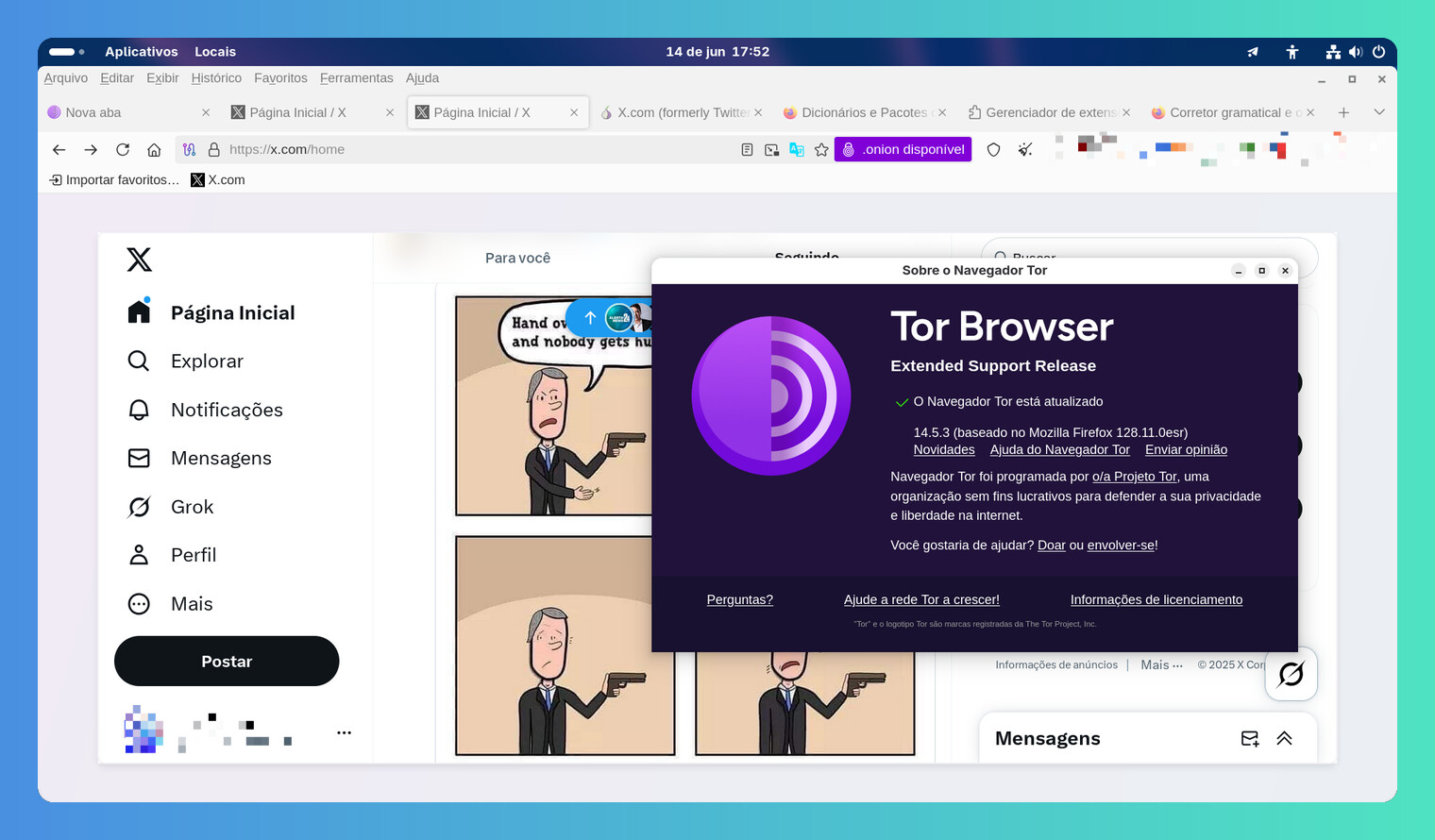
That did not work
Be persistent
I too am having issues logging in. I can also confirm that when I kept trying over and over again eventually I got locked out of my account temporarily for too many attempts, so I would suggest NOT trying that.
This message only occurs in Tor Browser. If you use any other browser you will be able to log in to X normally.
With the new version 14.5.4 (based on Mozilla Firefox 128.12.0esr) the login to X.com now works. Finally, the repair has taken long enough.
Recently it is not working again. Most of the time I get “Oops, something went wrong. Please try again later.“ or the blocking message due to ”suspicious behavior”. 
Hi guys,
Sorry to up this thread since this is almost 6 months old, but i think this is important since I had this same problem today and the only help I fond on the internet was this thread!
I’ve signed up to this forum as soon I can login on the X with this workaround.
Apparently the login page is rejecting the login because TOR use a different location of the user’s usual and this is leading to refuse our login!
BUT, the reset password process and links don’t .. so I’ve successfully logged in on X using the reset password process… that on the end led me direct to X’s main page !! 
I hope this help other people that wants to use X on a protected way with TOR!
Did Elon once again cut the access to X/Twitter for Tor users? 
For the past few days, I have been unable to login to X via Tor. Even after entering my username or email address on the login screen and clicking Next, I cannot proceed further.
Tor 15.0.11 on Win 10 . When attempting to Logon after Tor browser update to 15.0.11 version, once Username is entered in the Sign On to X screen and Next is selected, the Logon procedure loops back to the same Sign On to X screen. Tor Browser Desktop does not present the Password entry screen. The same issue does NOT present when using Tor Browser for Android or generic Firefox 150.0.1. With these browsers, the Password screen presents normally. Tor Browser for Android Logon completes normally after Password is entered.
Using email address to Sign On presents the same behavior in Tor Browser Desktop - loops back to the same Sign On screen. Sign on does complete if you select the ‘Forgot Password?’ option and update X with a new password. However, if you then close Tor Browser Desktop, the same behavior presents when attempting to Sign On again. Behavior was not present in the previous version of Tor Browser Desktop.
Clearing data and cache has no effect on the behavior.
Assistance would be appreciated.
Tor browser has been updated to the latest version, 15.0.13. However, I am still unable to login to X.
The login issue has been resolved, and now I can login to X via Tor browser as usual.