Hey guys,
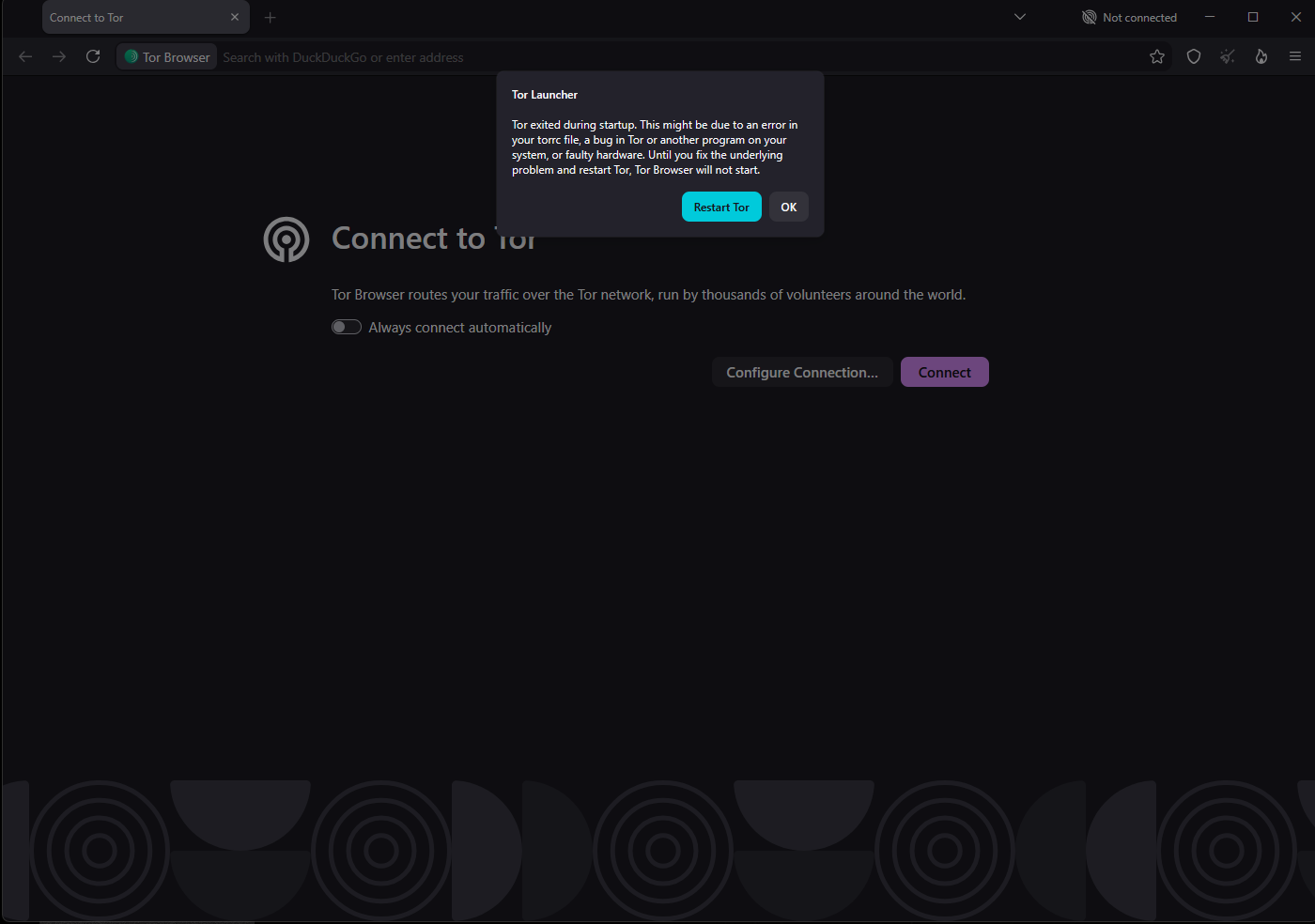
The browser allows me to create profiles, but when I try to delete a profile, it stutters a little before opening a new window and throwing me a error message as seen in one of the screenshots bellow.
Environment
-
Tor Browser version: 16.0a9 (based on Mozilla Firefox 153.0esr)
-
Operating System: Windows 11 25H2
-
Security Level: Standard
-
Tor Browser Alpha or stable: Alpha

Steps to Reproduce
- Open the Tor Browser Alpha.
- Click on the Menu button.
- Click on your current profile
- Click new profile
- Tor should have opened a new window at this point.
- In the new window please click the menu button again.
- Click on the current profile.
- Click manage profiles.
- At this point you should have the profile manager open.
- Try attempting to delete a profile. You should have met the occurrence that happened in Screenshot 2026-08-18 203006.
Thank you 