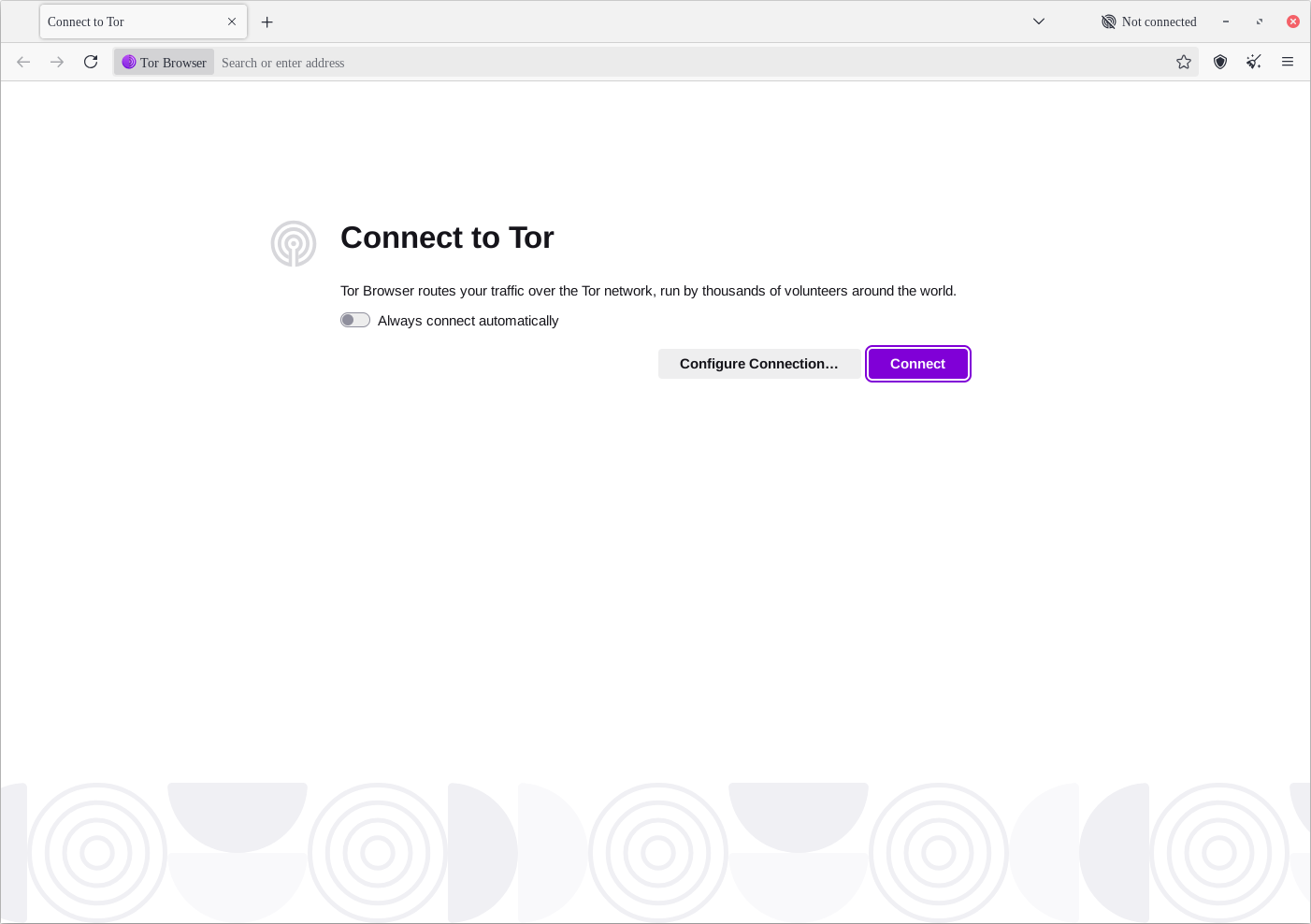
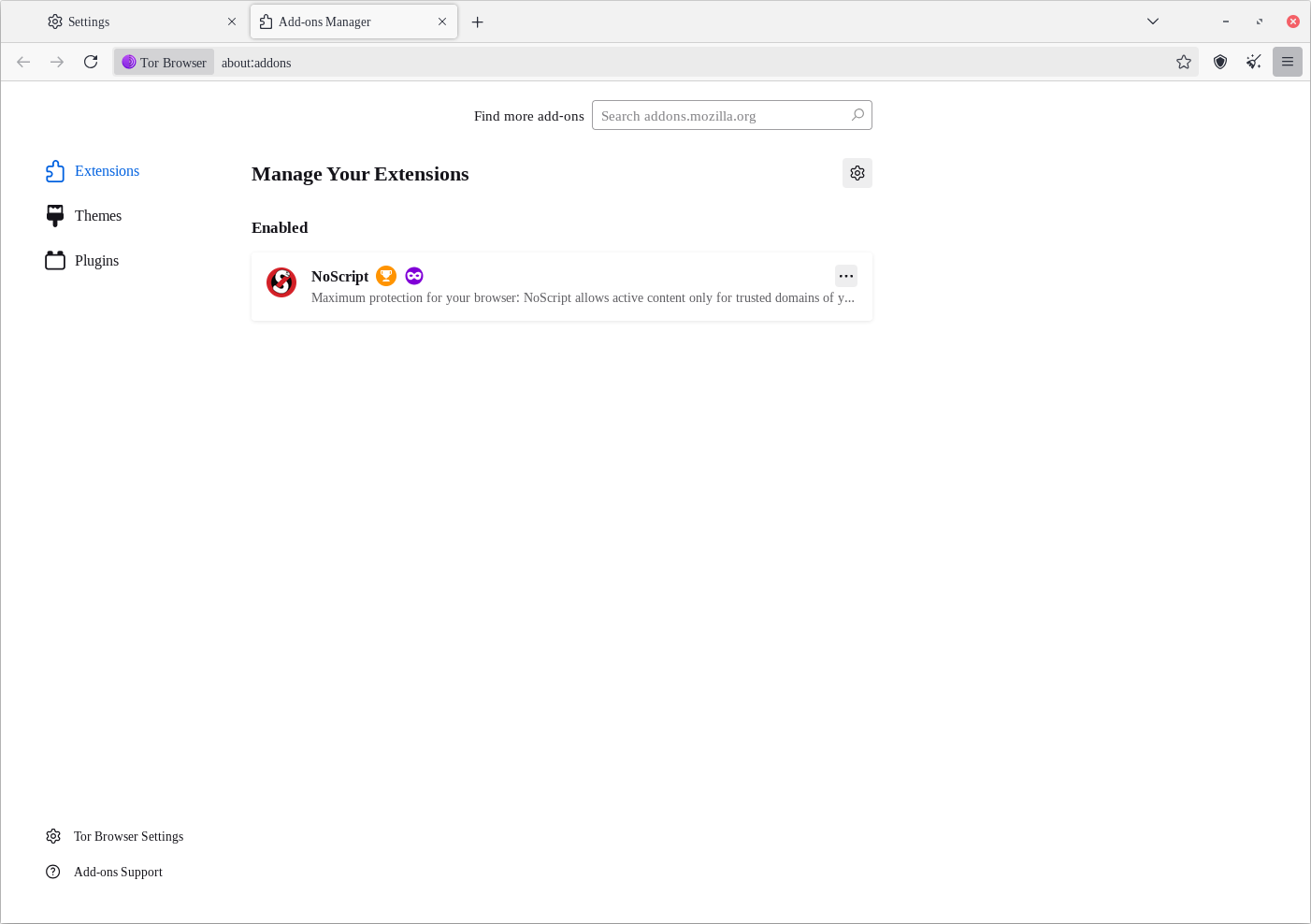
Hey lads, weird thing is happening here: after upgrading to 14.5.5 Tor Browser now seems to set Tinos instead of Arimo (or do I have them mixed up? not really sure in all honesty) for all the UI elements. Tabs text, hamburger menu text, contextual menus text, url bar text, About window, internal about: pages, you get the idea, it is all changed and it look pretty bad/annoying. Changing Security levels apparently fix this but only on the automatic restart of the browser but when you quit and open it again it is messed up again. I took a look at Mullvad Browser 14.5.5 and it is doing the same as well. Web pages and NoScript settings page are not affected as far as I can see. I’m on Linux. Is it a bug?
Hi @panino ! This is unexpected for sure, but I can’t reproduce on Tor Browser 14.5.6.
Could you please try with a fresh install in another directory? I’d like to understand whether it’s your profile, or it’s some problem with some configuration.
In the latter case, it’d be helpful to know some more information about your distribution and how you installed the browser.
Hi there Piero. I won’t disclose the distro. Using X11, not wayland. Xfce is the DE. TB is not installed, I dl the .tar.xz, untar it and run the start-tor-browser.desktop from the extracted folder. When I made this thread the TB version was 14.5.5, now on the 15.x.x series I don’t see this happen anymore but only for the browser UI, the messed up font still appears when I change the safety level and restart, then the folder picker windows have a different font. If I quit the browser and run start-tor-browser.desktop to open it again it apparently stabilizes and it’s all good. I think it is the restarting process that is not picking something up.
Not a game changer now, I also don’t see anyone mentioning anything remotely similar to this anywhere so maybe it’s just some quirky piece of configuration on my system.