hi @sonix11
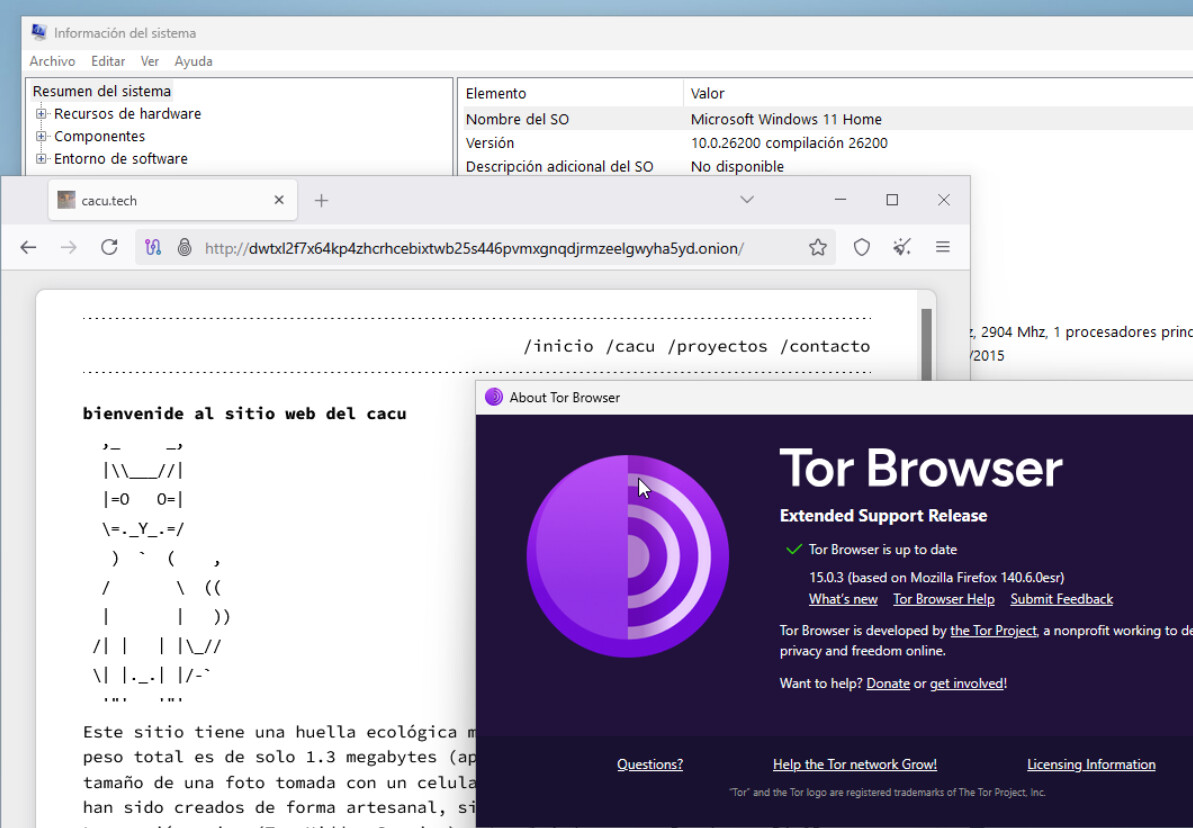
I’ve just installed and tested Tor Browser 15.0.3 on Windows 11 Home (build 26200), and it’s working correctly.
Did you disable your antivirus software, if you have one installed:
A similar error message has been reported in this thread: Tor Exiting during Startup - HELP - #3 by gus along with some instructions to resolve it, which I’m quoting below:
-
Please make sure the timezone (date and time) is accurate on your system.
-
If you’re using a VPN, please disable it.
-
If you’re using an antivirus software, try to relaunch the Tor Browser after disabling it.
-
If the Browser was working before and is not working now, your system may have been hibernating. A reboot, in that case, will solve the issue.
-
Try to uninstall and reinstall the Tor Browser. Detailed instructions to properly uninstall the Tor Browser can be found here: Uninstalling - Getting started - Tor Browser — Tor
Then, make sure to download it from here: Tor Project | Download -
Another common reason for that error is if you have non-ASCII characters in your username, so the path to tor.exe is something like C:\Users\UserNameWithCyrillic\Desktop\TorBrowser. Then a solution is to make a directory in, say, C:\ for Tor Browser that your user has full access and permission for.
-
Please try updating the operating system.
Hope it’s useful.