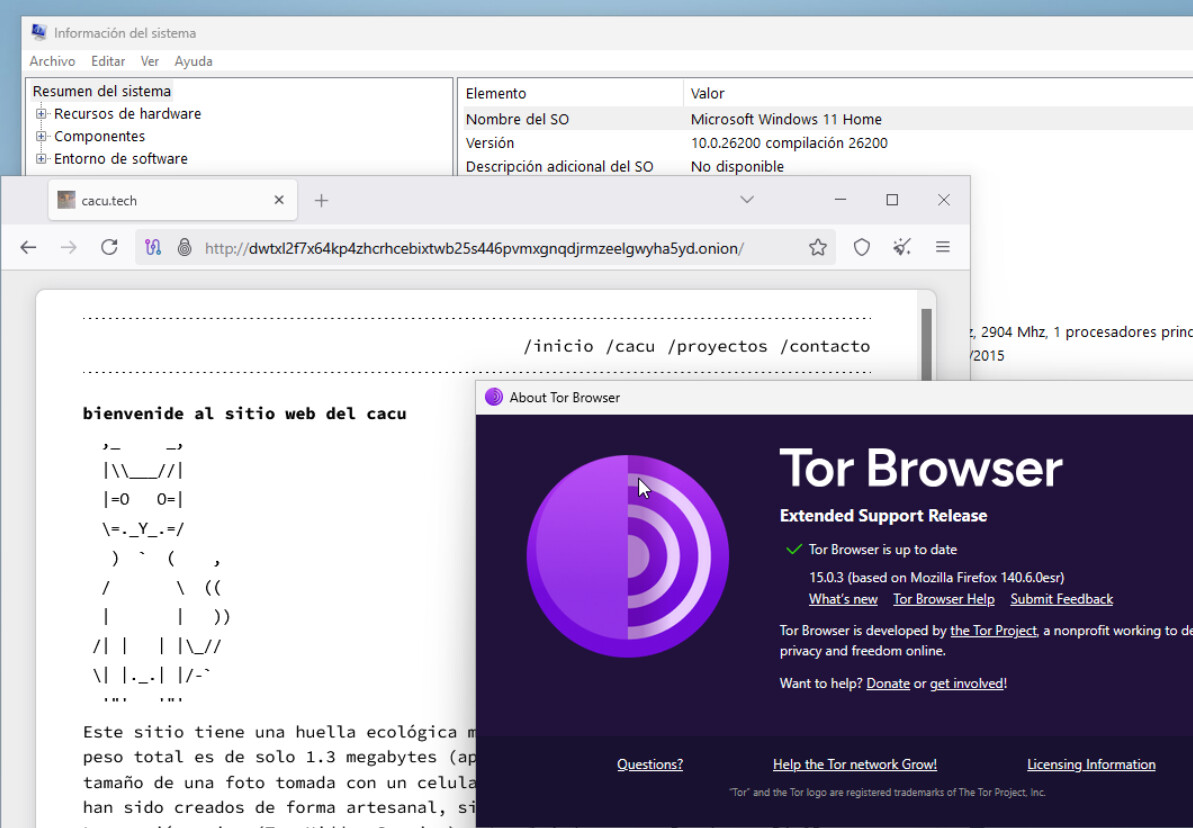
Operating System - Windows 11 Pro 25H2
Tor Browser version - 15.0.3
Tor Browser Security Level - Standard
Hi guys , when i running tor i get into a pop-up message -
“Tor exited during startup. This might be due to an error in your torrc file,a bug in Tor or another program on your system, or faulty hardware. Until you fix the underlying problem and restart Tor, Tor Browser will not start.”
Another common reason for that error is if you have non-ASCII characters in your username, so the path to tor.exe is something like C:\Users\UserNameWithCyrillic\Desktop\TorBrowser. Then a solution is to make a directory in, say, C:\ for Tor Browser that your user has full access and permission for.
Thank you i will be try all the options above and somewhat stupid question because you necessarily prescribed software for me, but can the built-in Windows antivirus also cause a problem with running? @cacu
On my Windows 11, a vanilla torrc file looks like this:
This file was generated by Tor; if you edit it, comments will not be preserved

The old torrc file was renamed to torrc.orig.1, and Tor will ignore it

ClientOnionAuthDir C:\Users\YOURUSERNAME\Desktop\Tor Browser\Browser\TorBrowser\Data\Tor\onion-auth
DataDirectory C:\Users\YOURUSERNAME\Desktop\Tor Browser\Browser\TorBrowser\Data\Tor
DisableNetwork 1
GeoIPFile C:\Users\YOURUSERNAME\Desktop\Tor Browser\Browser\TorBrowser\Data\Tor\geoip
GeoIPv6File C:\Users\YOURUSERNAME\Desktop\Tor Browser\Browser\TorBrowser\Data\Tor\geoip6