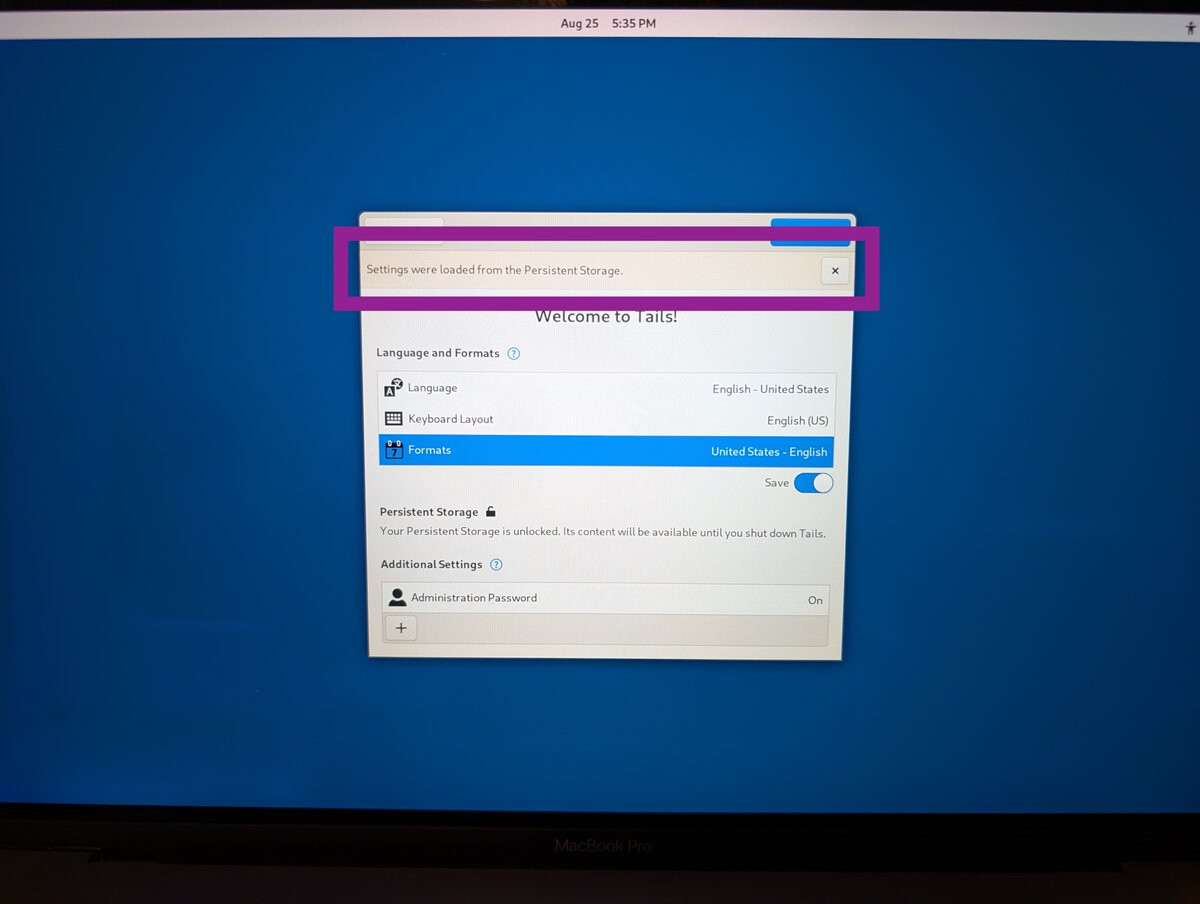
I downloaded tails, checked the sig, used Rufus to create the usb stick and booted it.
I got a panel which talked about persistent storage, then a tails panel came up so I minimized it and clicked on the persistent storage circle thing and it turned blue. Clicked yes or something to get it going and it said it was done. Then started Tor and noticed you gave your specs. Shutdown the laptop.
What you have is newer and faster than what I used so it must meet the requirements.
lexar USB 2.0 32gb stick, tails7.6.1, hp laptop elitebook 8460p 8gb i5-2520M 2.5 GHz USB 2.0 ports 233GB ssd
I am now on my regular PC.
I can’t see what is wrong on your end.
The only thing I can think of is the machine itself. But what? BIOS? The machine I used has never had its BIOS (2015) updated. It was a win7 laptop.
OK, so you don’t have a newer PC to try but you must know people who do. Try it there. You can’t harm it.
Checked the CPUs. Yours was first seen in Q4 2010 and mine Q1 2011
Usally People don’t trust me when i try to boot another operating system their PC. They don’t know that it can’t harm them.
Anyways the funny thing is that a few weeks ago I installed Tails on a cheap china usb drive that was not my own. The persistent storage actually worked even tho it was very tiny, slow and low quality. I couldn’t remember if I maybe did something different.
I can try to use a modern gaming PC but then I need to use it with the internal GPU because the GPU is not supported as far as I know. Im going to try it again but my hopes are low.
It’s funny and not. I’m the same. I let no one use my PC but I have test machines to play with.
Edited later:
There is something I forgot to mention about my experiment.
When the persistent storage panel came up, a tails panel came up right away so I minimized it and did click that gray circle and it did not turn blue so I figured “Ah! same thing here”.
I went back to the tails panel and looked at what it said then came back to the persistent storage panel and the gray circle did turn blue this time when I clicked. Was I too quick on the click the first time while something was initializing?
Over the past few days i found out that my pc may be the problem even tho i dont know why.
The same usb drive that didn’t work for me worked fine on another pc. Matter fact every usb drive I’ve ever tried on my pc worked with creating persistant storage at the other pc. No matter how cheap it is.
So I’ve simply created the persistent storage on the other pc and can now access it from my pc.
I still get a partitioning error window every single time but it seems to work despite it.
I don’t think im satisfied with it and I’m still curious about this issue.
Having the same issue. I am able to make a persistence on other devices as you said, just not mine, however I chose not to go that route. Have you come across any fix?
Sadly not. I still get the error message every time I start Tails. Even though it says that there is an error and I should create a new boot drive, it works completely fine.
I have a pressing question that is driving me crazy bear with me my knowledge is limited. I have been using Tails successfully on my MacBook Pro intel really nice custom Mac I purchased in 2019 last model before m1. Anyway I have successfully created persistent storage and was able to use 80% of the time? At welcome screen I entered passphrase and about 80% of time would work no problem then it started becoming temperamental less and less it would activate? Now since 7.7.2 it never activates? I have tried several things to run in terminal to regrant permissions…etc nothing is working anyone have any ideas? Thank you it’s frustrating because I am quick to learn but definitely get in over my head when things get real technical please help