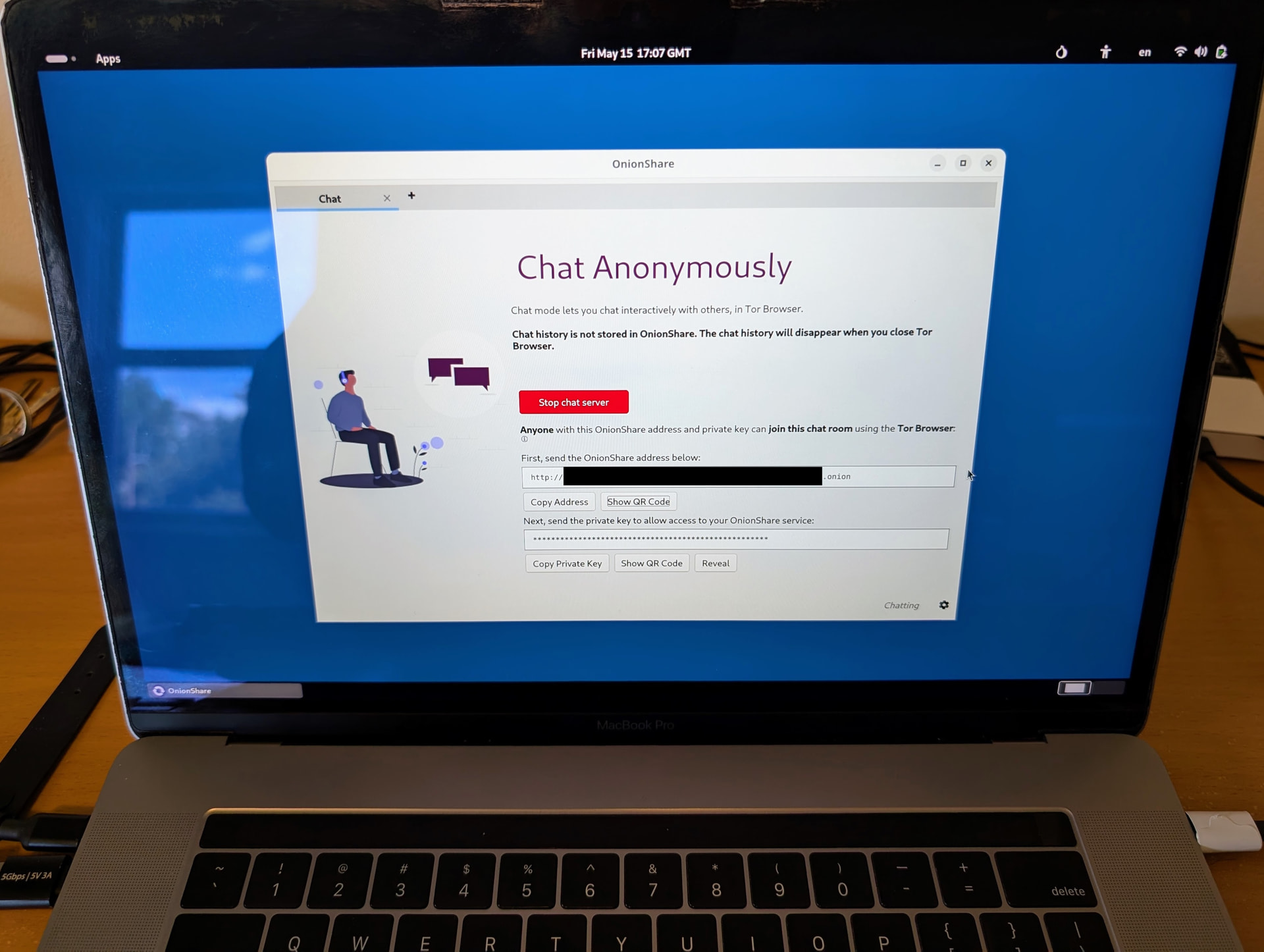
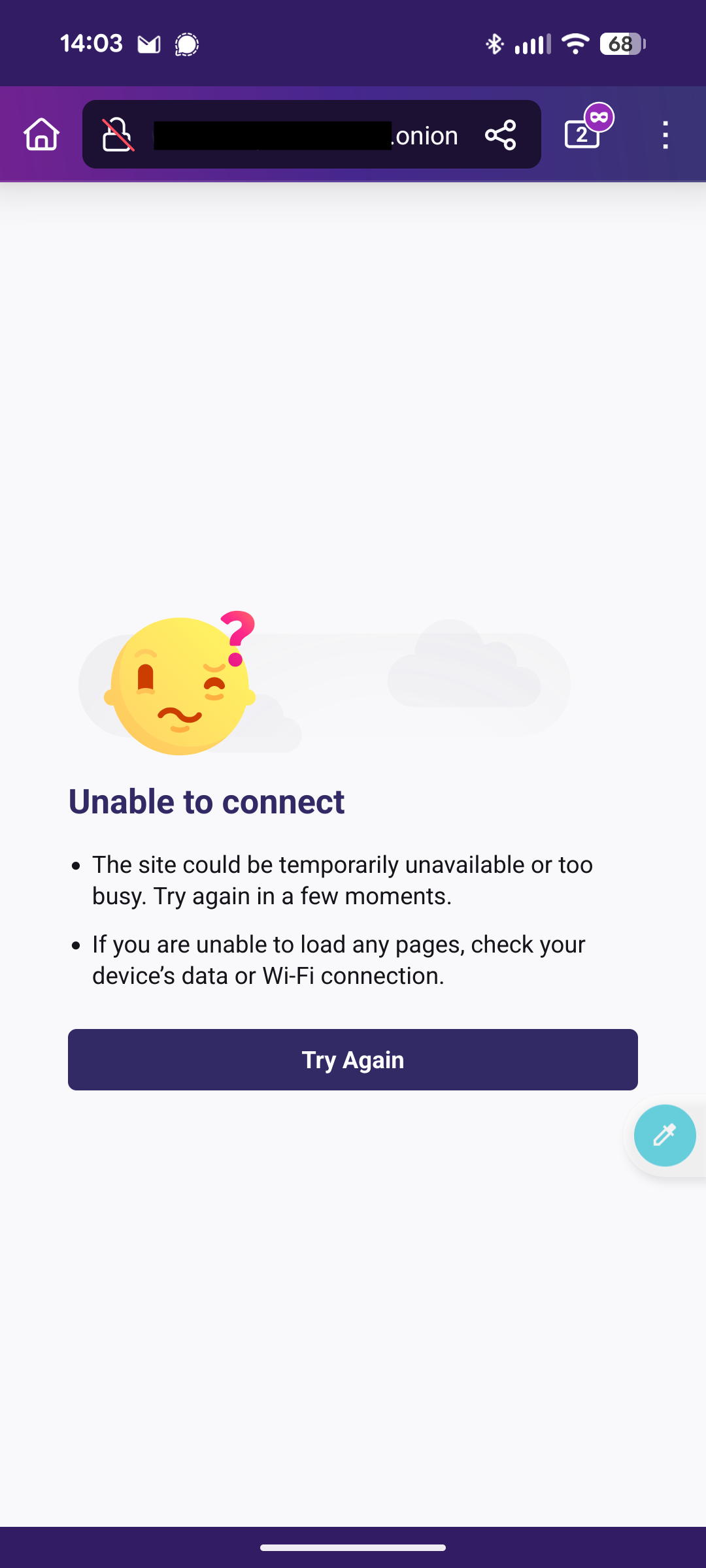
I’m testing verifying information shown in Tails OS’ Tor browser on Android’s Tor browser by passing information using OnionShare. For example reverifying links and text strings in Tails OS desktop on Android.
Is there a way to use OnionShare chat links on Android?
- The link works on desktop
- Other onion sites work on Android like Wikipedia’s en[dot]wikipedia[dot]org/wiki/[dot]onion
Workarounds
- Use Google Lens app to open sites on a mobile device
- Lens works, but I need to find privacy preserving OCR (Optical character recognition) alternative to Google
- I attempted to use Venice AI to generate a QR code for individual sites and strings of text which didn’t work
Much appreciated!
The Onion Service link that you tested from Onionshare and onto Tor Browser Android requires client authorization (i.e. is secured with a password)? If so, this is bug#210.
Onion addresses that require Client Authorization do not work on Tor Browser for Android, at the moment.
From the screenshot above a private key is required to access the OnionShare chat on the receiving side of joining the chat. I did not enable a separate password though.
Thank you for confirming that this does not work on Android.
What is required for this to work in the future?
Wow. Taking a look at bug #201 it’s been open since 2019. It’s good to see contributors are still aware of it as there’s labeling activity in the last year. Hopefully it is prioritized from the backlog.