# Stuck on establishing a connection
**URL:** https://forum.torproject.org/t/stuck-on-establishing-a-connection/4476
**Category:** Tor Browser Desktop
**Tags:** tor-browser
**Created:** [September 6, 2022, 5:48pm UTC](https://forum.torproject.org/t/stuck-on-establishing-a-connection/4476 "2022-09-06T17:48:38Z")
**Posts on this page:** 5
**Page:** 1
### Author:  [@hiddos](https://forum.torproject.org/u/hiddos)
#### Post date: [September 6, 2022, 5:48pm UTC](https://forum.torproject.org/t/stuck-on-establishing-a-connection/4476/1 "2022-09-06T17:48:38Z")
Hello guys,
I have a fresh installation of windows 11 education on my new pc. I tried using the tor browser but it gets stuck in “establishing a connection” step. I use the standard security level. Note that it works fine in a linux virtual machine running in the same pc…
Screenshot of the problem
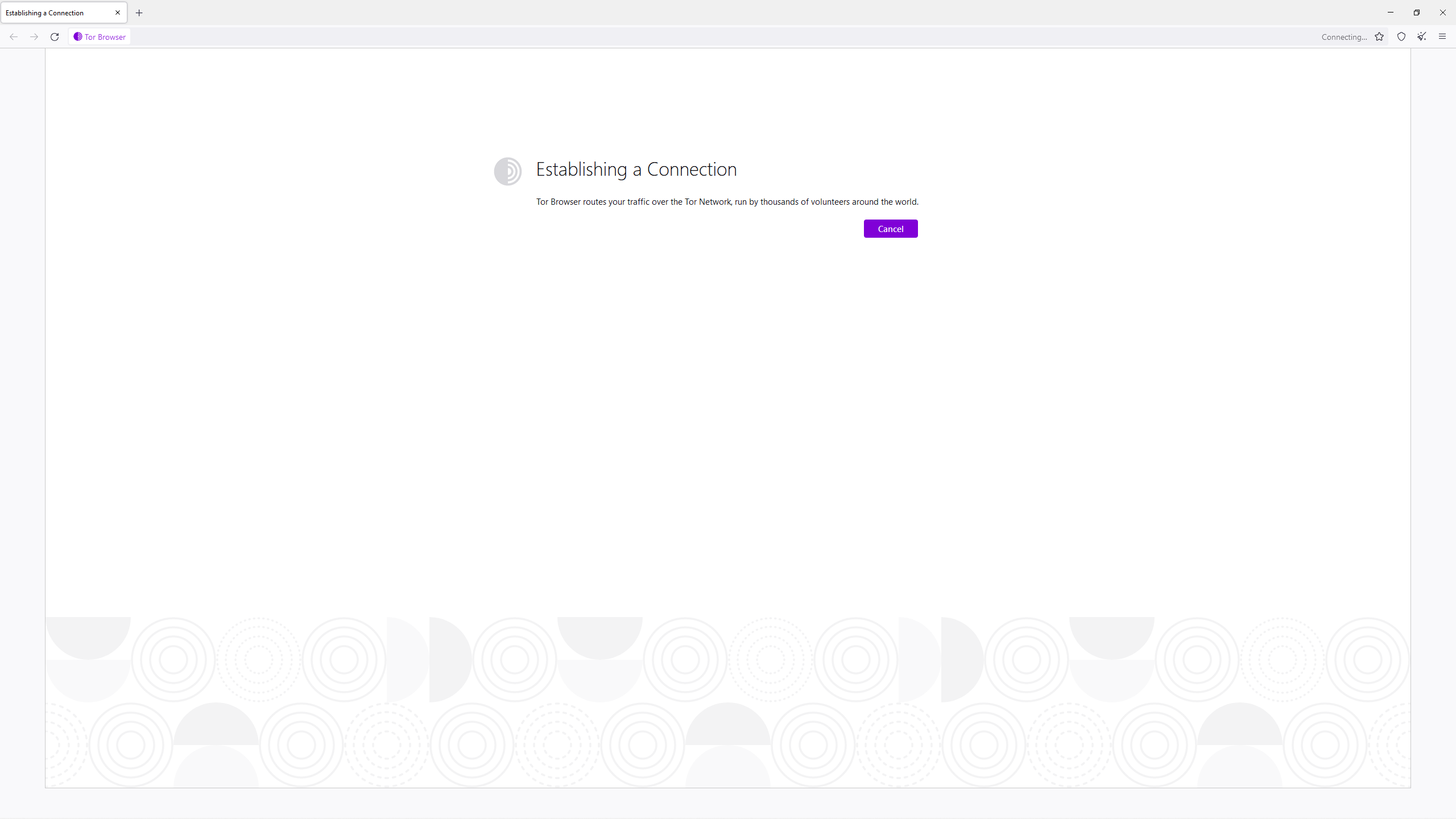
Tor logs are blank.
In the console logs this message keeps getting printed: TorLauncher NOTE: failed to open authenticated connection: [scrubbed]
The console errors are these:
Could not load engine [google@search.mozilla.org](mailto:google@search.mozilla.org): Error: Extension is invalid SearchService.jsm:609:17
Could not load engine [blockchair-onion@search.mozilla.org](mailto:blockchair-onion@search.mozilla.org): Error: Extension is invalid SearchService.jsm:609:17
[Exception… “Component returned failure code: 0x80520001 (NS\_ERROR\_FILE\_UNRECOGNIZED\_PATH) [nsIXPCComponents\_Utils.readUTF8URI]” nsresult: “0x80520001 (NS\_ERROR\_FILE\_UNRECOGNIZED\_PATH)” location: “JS frame :: resource://gre/modules/L10nRegistry.jsm :: L10nRegistry.loadSync :: line 707” data: no] 2 L10nRegistry.jsm:707:19
NS\_ERROR\_CONNECTION\_REFUSED: Component returned failure code: 0x804b000d (NS\_ERROR\_CONNECTION\_REFUSED) [nsIScriptableInputStream.available] tor-control-port.js:128
NS\_ERROR\_CONNECTION\_REFUSED: Component returned failure code: 0x804b000d (NS\_ERROR\_CONNECTION\_REFUSED) [nsIScriptableInputStream.available] tor-control-port.js:128
Any help is appreciated. Thanks in advance!
---
### Author:  [@Mephistopheles](https://forum.torproject.org/u/Mephistopheles)
#### Post date: [September 6, 2022, 7:41pm UTC](https://forum.torproject.org/t/stuck-on-establishing-a-connection/4476/2 "2022-09-06T19:41:22Z")
If your on an education version of windows 11, it may be tryin to cockblock you. Microsoft has had a few bad ideas as of late, and windows 11 is closer to spyware than a genuine OS these days. That said, looks to me like a javascript issue.
Try disabling javascript in tor browser settings and restart it, see if that helps, otherwise, might try a reinstall
---
### Author:  [@hiddos](https://forum.torproject.org/u/hiddos)
#### Post date: [September 6, 2022, 8:29pm UTC](https://forum.torproject.org/t/stuck-on-establishing-a-connection/4476/3 "2022-09-06T20:29:28Z")
Unfortunately disabling javascript and reinstalling didn’t solve the problem. It’s definitely a windows issue and I think it also appears when I try to install an app called gameranger, where I get an error “no response from the server”.
---
### Author:  [@Angular](https://forum.torproject.org/u/Angular)
#### Post date: [September 6, 2022, 10:57pm UTC](https://forum.torproject.org/t/stuck-on-establishing-a-connection/4476/4 "2022-09-06T22:57:51Z")
Maybe use VM Ware to create a machine within your computer and use the iso of some other OS. If it still won’t work then it could be a router firewall issue perhaps
---
### Author:  [@system](https://forum.torproject.org/u/system)
#### Post date: [September 7, 2022, 12:30pm UTC](https://forum.torproject.org/t/stuck-on-establishing-a-connection/4476/5 "2022-09-07T12:30:49Z")
This topic was automatically closed 2 hours after the last reply. New replies are no longer allowed.