If you really want to do this here is how: You’ll need to allow the extension to run in private windows when you install it (all of Tor Browser’s windows are private).
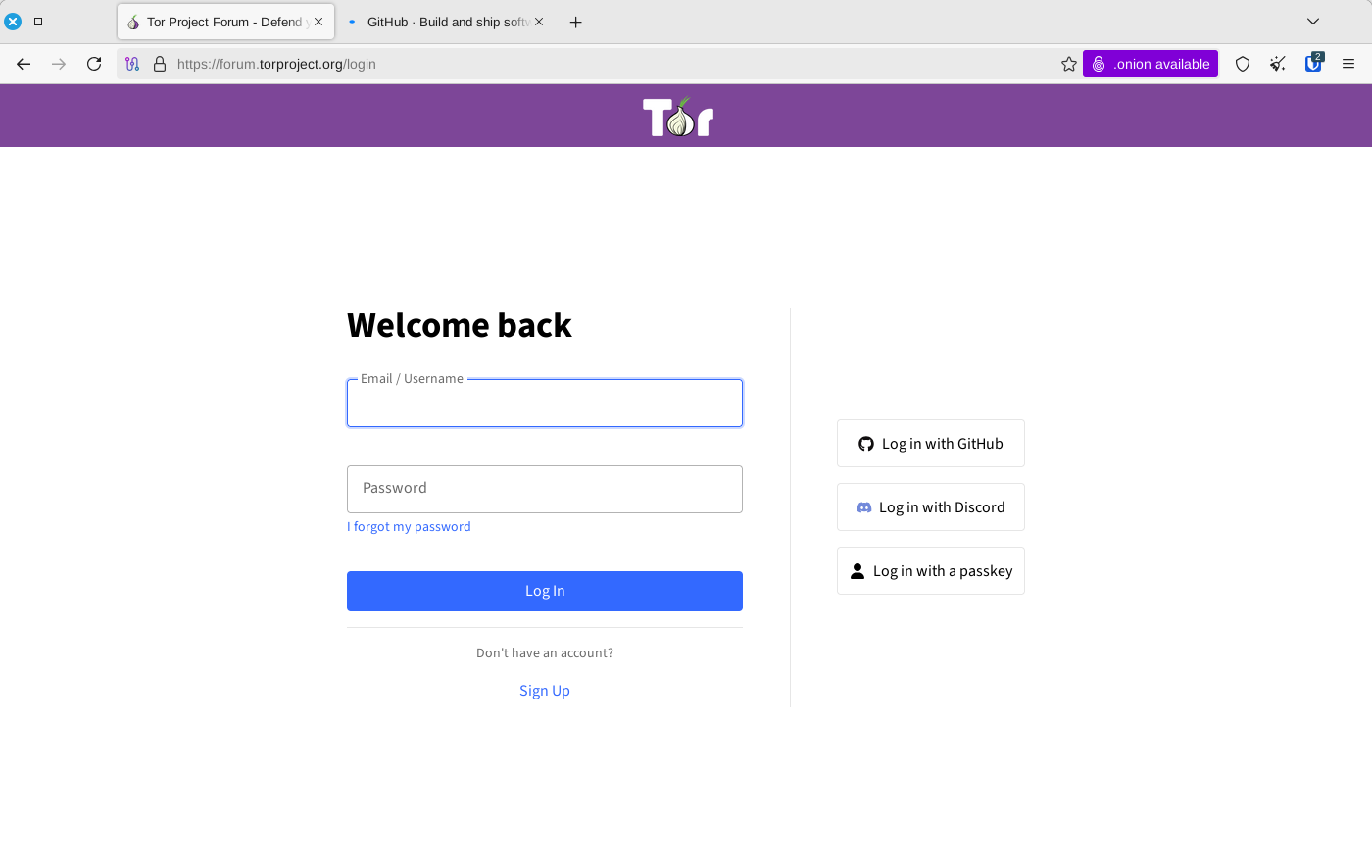
To show an extension’s icon in the toolbar click on the “Extensions“ icon (top right - looks like a jigsaw puzzle piece). The Bitwarden extension should pop up. Click on the gear icon and select “Pin to Toolbar“. Then you can select login info by right clicking a login field and navigating via the Bitwarden context menu - or by clicking the Bitwarden icon itself.
Here is Tor Browser 14.5.6 with the Bitwarden icon on the toolbar showing 2 logins for the domain. Ignore the second tab I had open: